

Updates:
Updates
August 2026July 2026June 2026April 2026March 2026February 2026January 2026December 2025November 2025October 2025August 2025July 2025May 2025January 2025August 2024April 2026 (v2026.04)
QruiseOS
The latest QruiseOS version focuses on improved queue and user management, enhanced workflow visibility and experiment tracking, and a few fixes.
Queue management
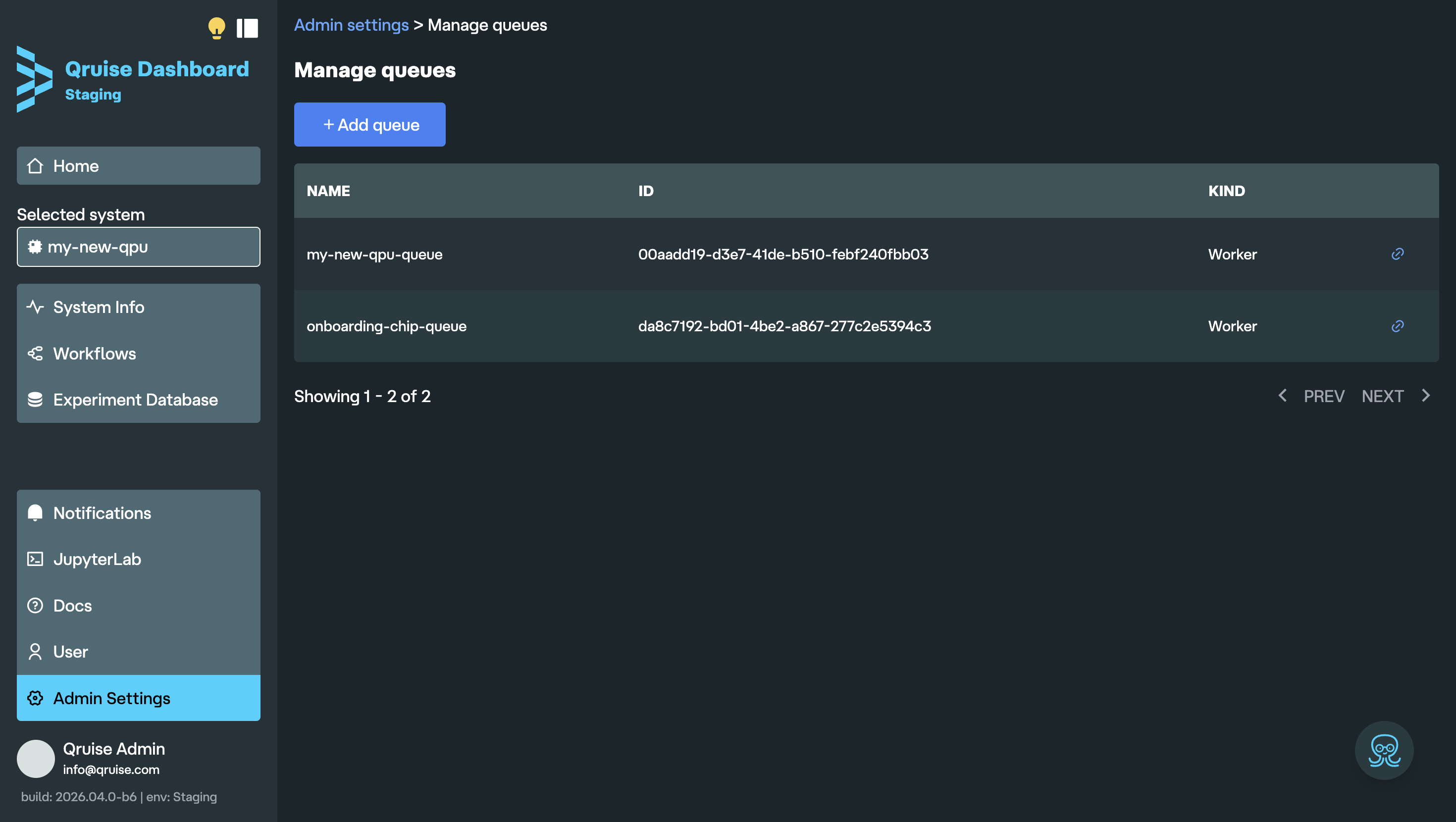
A fully redesigned queue system gives administrators fine-grained control over how experiments are scheduled and executed. It's now possible to create, edit, and delete queues directly from the admin interface without restarting services.
User & access management
Several improvements make it easier to set up new installations and manage user accounts.
- First-user self-registration — On a fresh installation, the first user can register directly from the login screen, making it much more straightforward for admins to get started.
- Password management — Users can now change their own password from the account settings page. Administrators can reset any user's password, which immediately invalidates all their active sessions.
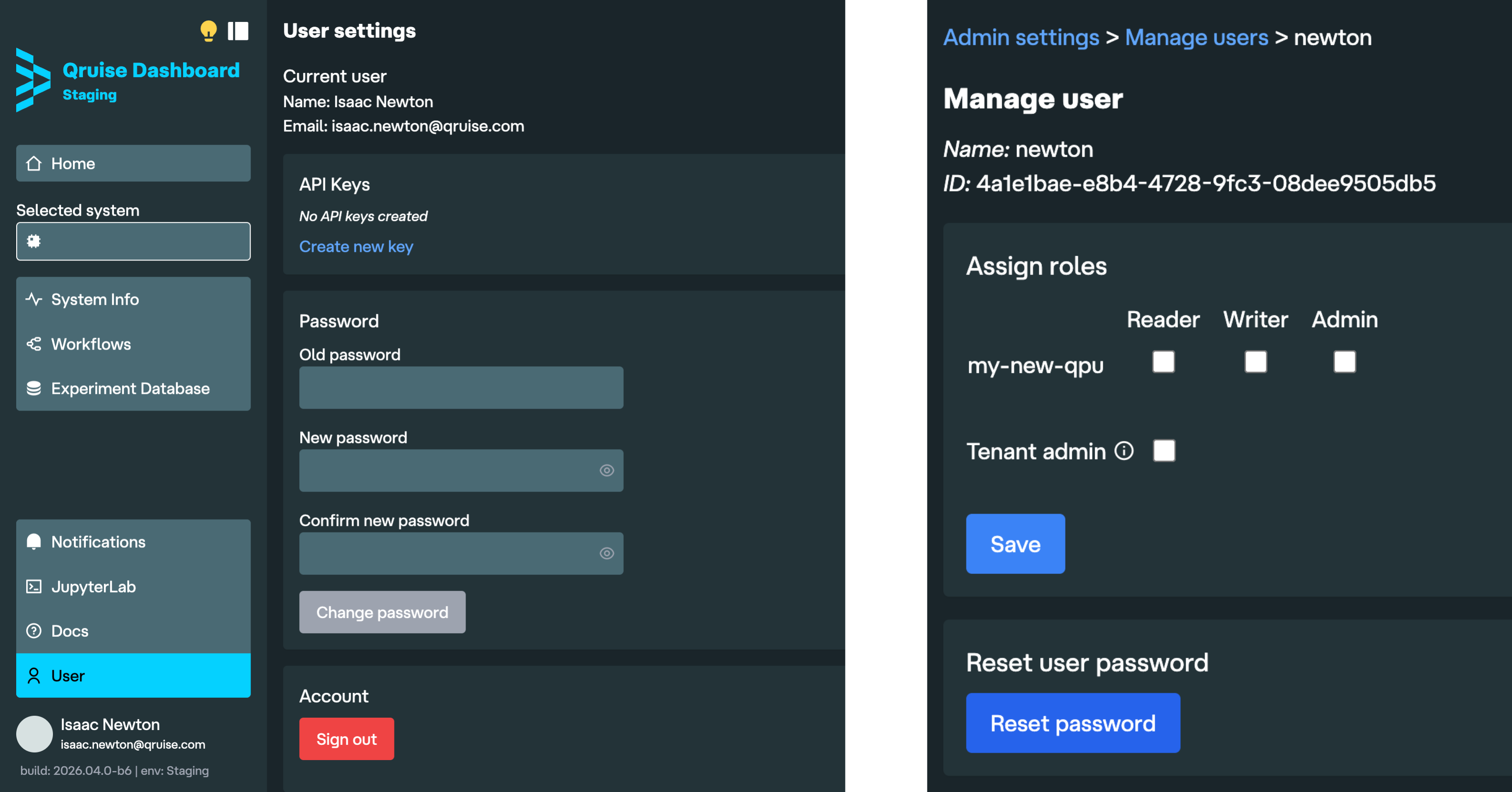
- API keys — A paginated API keys table is now available in user settings for managing long-lived credentials.
Workflow run visibility
We've also added several workflow improvements.
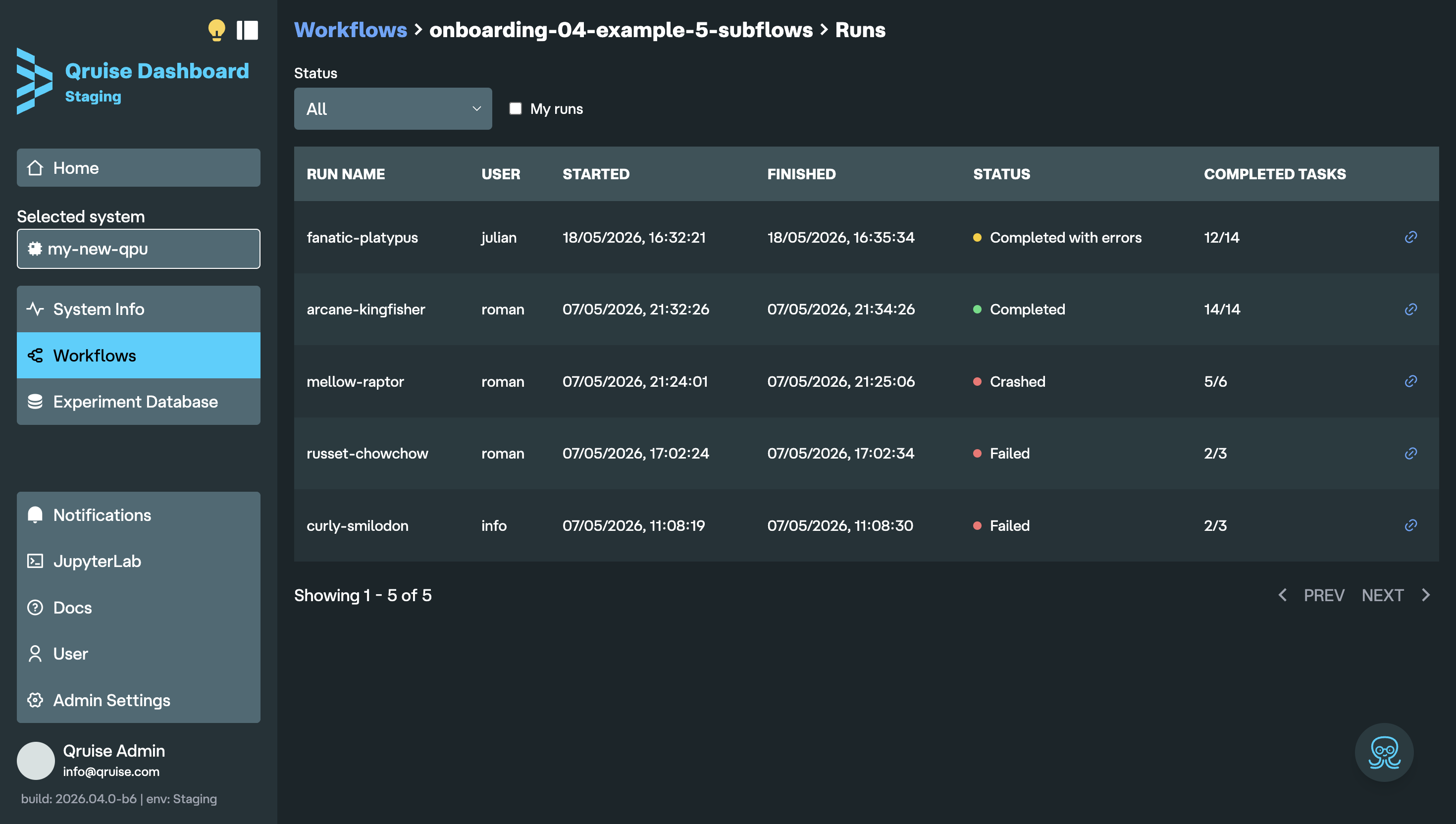
- User attribution — The user who triggered a flow run is now displayed alongside each run in the workflow table.
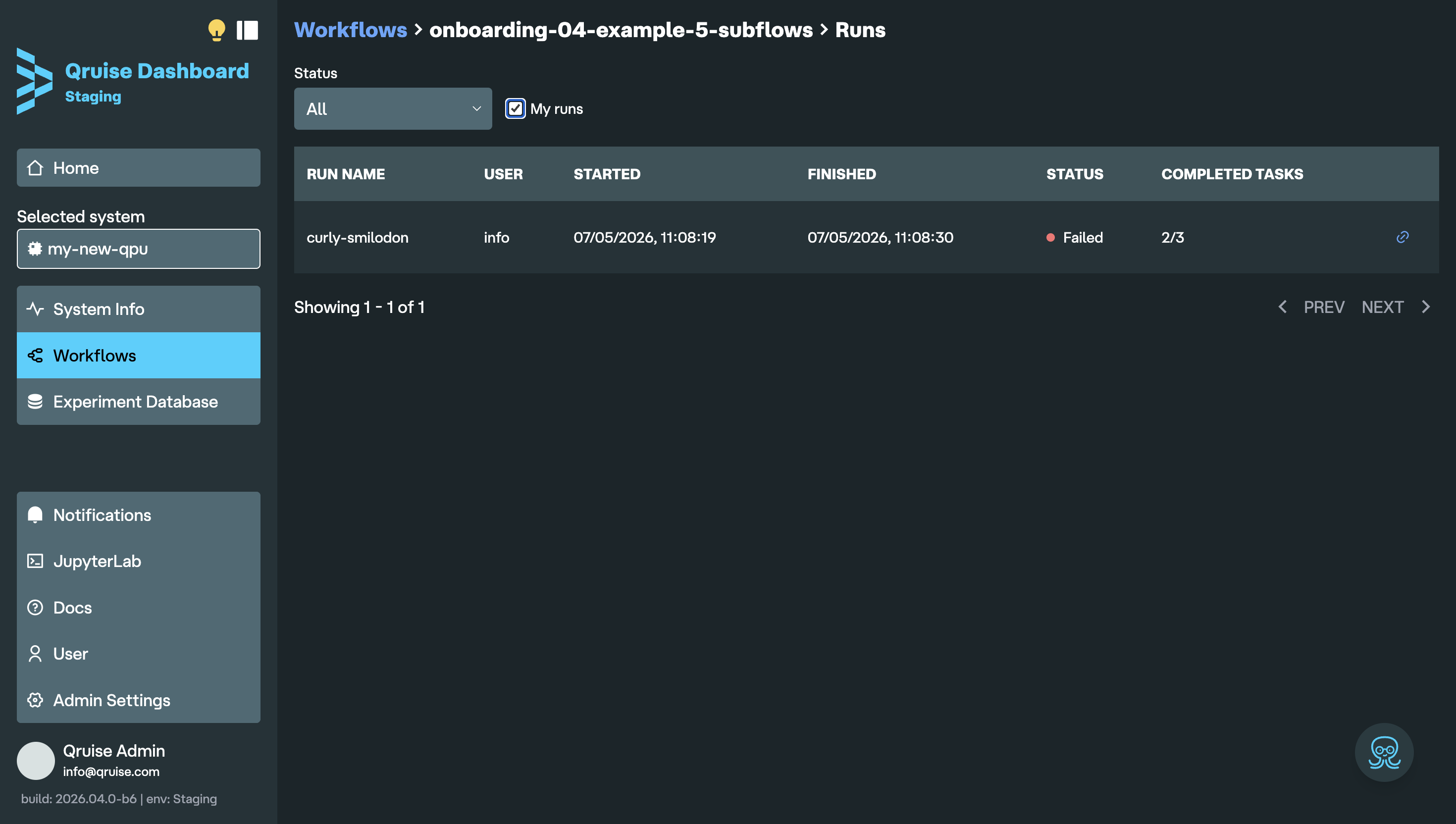
- Filter runs by user — A "My runs" filter for workflows lets users quickly find their own experiments in shared installations.
JupyterLab
- JupyterLab link in sidebar — A direct link to JupyterLab is now always visible in the sidebar navigation, allowing quick access from the dashboard.
Bug fixes
- In the Experiment Database, the experiment type dropdown now only shows experiment types that have been run on the selected QPU. Previously, experiment types from all QPUs were shown, causing confusion in multi-QPU setups.
- Subflow status colours now more accurately reflect the statuses of the contained experiments.
- The workflow graph canvas now supports scroll-wheel zoom and click-and-drag panning from anywhere on the canvas, making large graphs easier to navigate.
- The sidebar now stays fixed while scrolling long pages.
- Experiment data list exposes richer metadata for downstream analysis.
Stay informed with our newsletter
Subscribe to our newsletter to get the latest updates on our products and services.